
What is a cloud PBX, and how is it different from a desk phone setup?
A plain-language explainer on cloud phone systems for anyone weighing up a move off traditional lines.
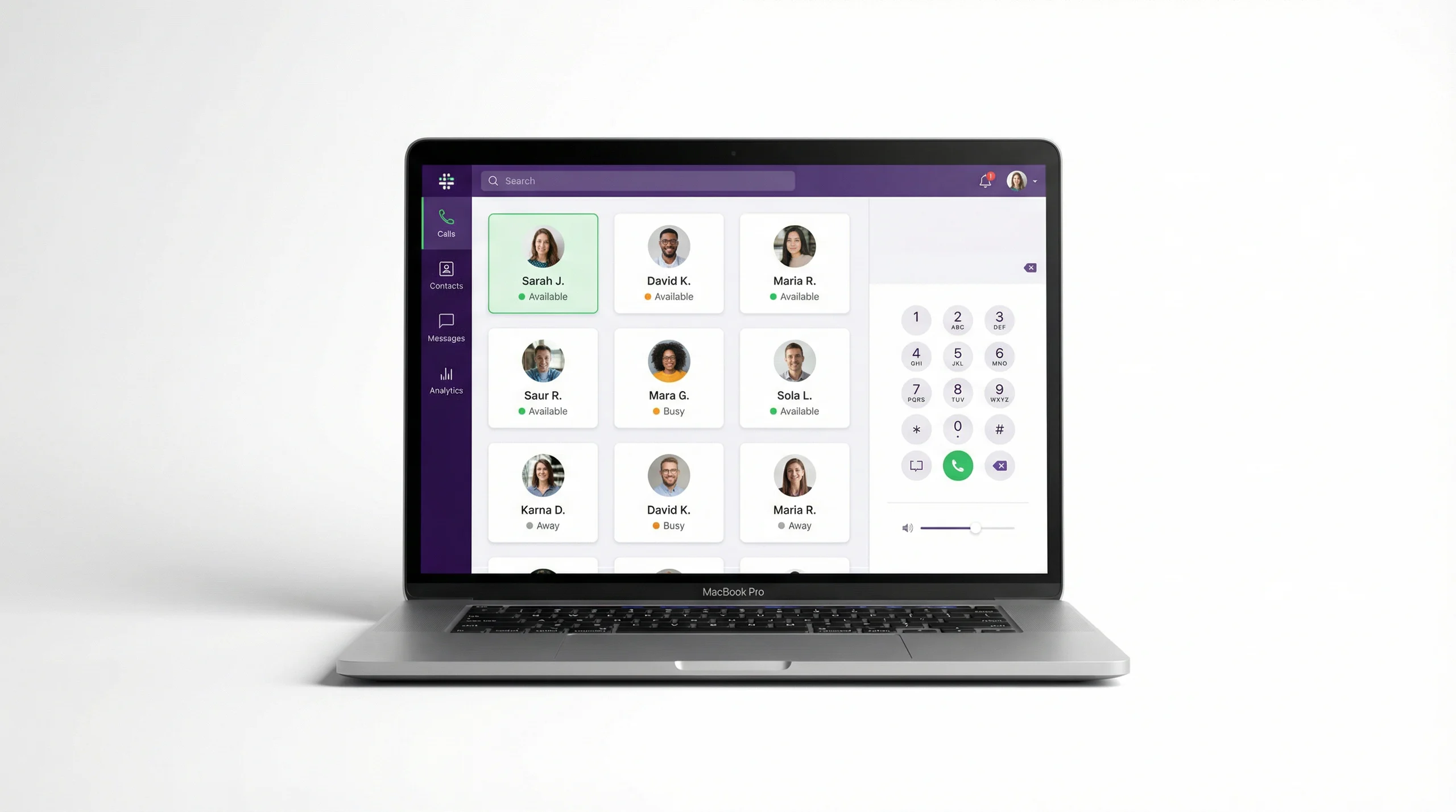
A PBX is the system that decides what happens to a phone call inside an organisation: which number rings, who it reaches, and where it goes when no one answers. A cloud PBX does the same job, but the system lives in a data centre and reaches your team over the internet instead of sitting in a cupboard wired to handsets.
The short version
With a traditional setup, the intelligence is in a box on site and tied to physical lines and desk phones. With a cloud PBX, the intelligence is software, and any device with an internet connection can be a phone.
That one change has a few knock-on effects:
- A new starter is an app and a sign-in, not a hardware order.
- The office number follows people home and on the road.
- Routine changes are settings you adjust, not tickets you raise.
How it differs from a desk phone setup
| Aspect | Traditional PBX | Cloud PBX |
|---|---|---|
| Where it lives | A box on your premises | A managed platform in a data centre |
| Devices | Desk phones on fixed lines | Browser, desktop, mobile, and SIP phones |
| Adding a user | Order and cable a handset | Install the app and sign in |
| Working remotely | Call forwarding, at best | The same extension, anywhere online |
So what is a "virtual number"?
A virtual number, or DID, is a phone number that routes over the internet rather than a fixed line. Because it is not tied to a physical socket, you can present a local number in a city where you have no office, and point it at whichever person or team should answer.
Is the call quality the same?
On a decent connection, yes. Modern cloud phone systems use HD voice codecs over Wi-Fi, 4G, or 5G.
The phone on your desk has not disappeared. It has just moved into software, where it is easier to change.
If you are weighing up a move, the next useful read is our checklist for choosing a cloud phone system.