
How to choose a cloud phone system for a growing team
A practical checklist for evaluating cloud telephony, from call routing to where your data is hosted.
May 20, 2026
Closed for the holidays or changing your hours? Here is how to set up a clear, professional voice message that keeps callers informed.

A recorded message is often the first thing a caller hears. Whether you are closed for the holidays, changing your opening hours, or moving to a new address, a clear greeting keeps callers informed instead of frustrated.
Use one to cover the moments when a live answer is not possible:
Opening and closing hours, including lunch breaks
Public holidays and seasonal closures
One-off changes like a new address or phone number
After-hours routing to voicemail or an on-call number
Voxbi can record professional greetings for you, including AI-generated voices in English, French, and German, so the tone matches your brand. Want a warmer feel? Add background music. Prefer your own recording? Use that instead.
Tell us the dates the message should run, the text or audio you want, and how calls should be routed while it is active. We set it up so it is ready for a holiday closure, new opening hours, or a one-off change, and you can reuse it next time.
Planning a closure? Get your greeting ready in advance. Talk to the Voxbi team.
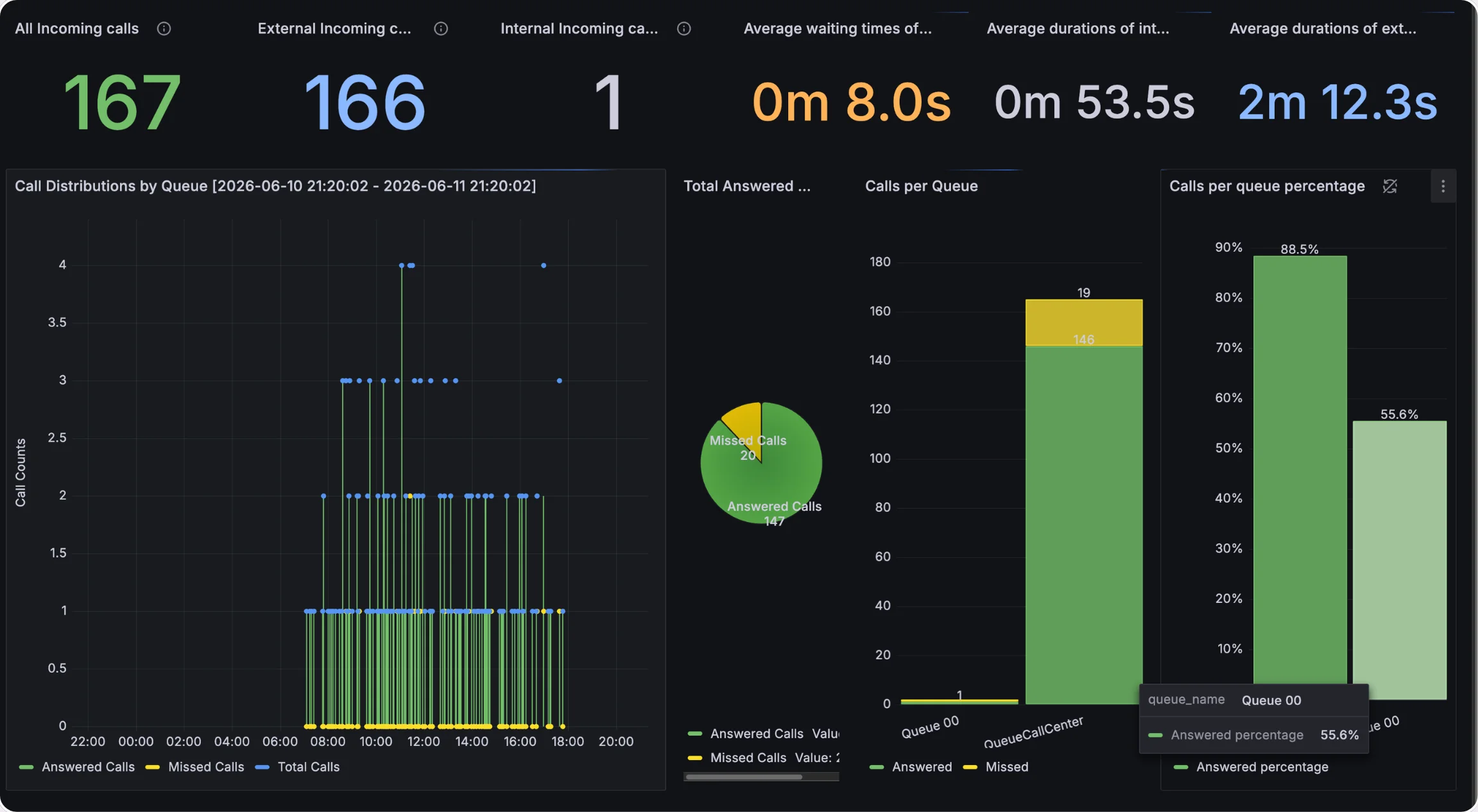
A practical checklist for evaluating cloud telephony, from call routing to where your data is hosted.
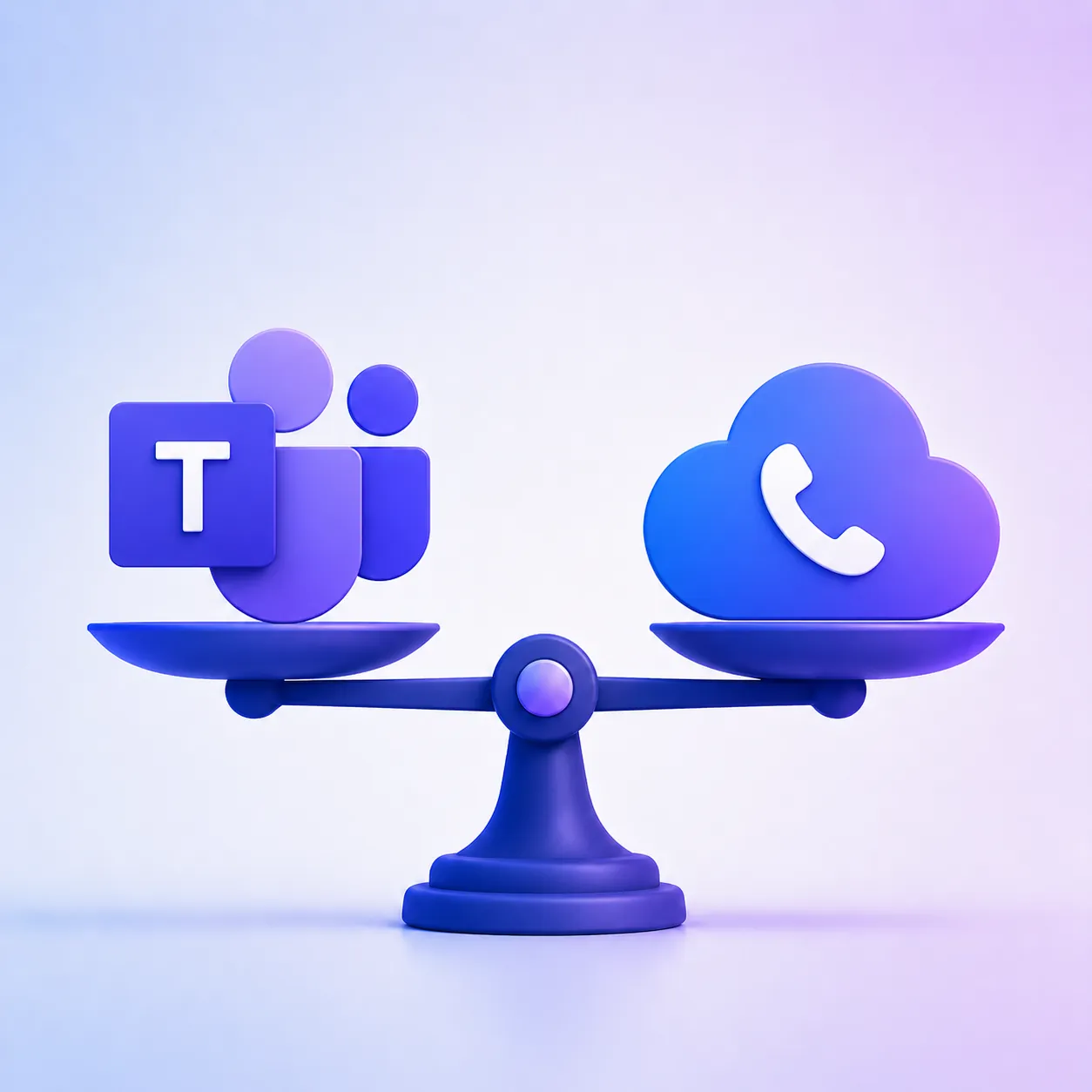
Compare Microsoft Teams Phone, a cloud PBX, and the hybrid model for Luxembourg SMEs in 2026: costs, features, devices, and the right fit.
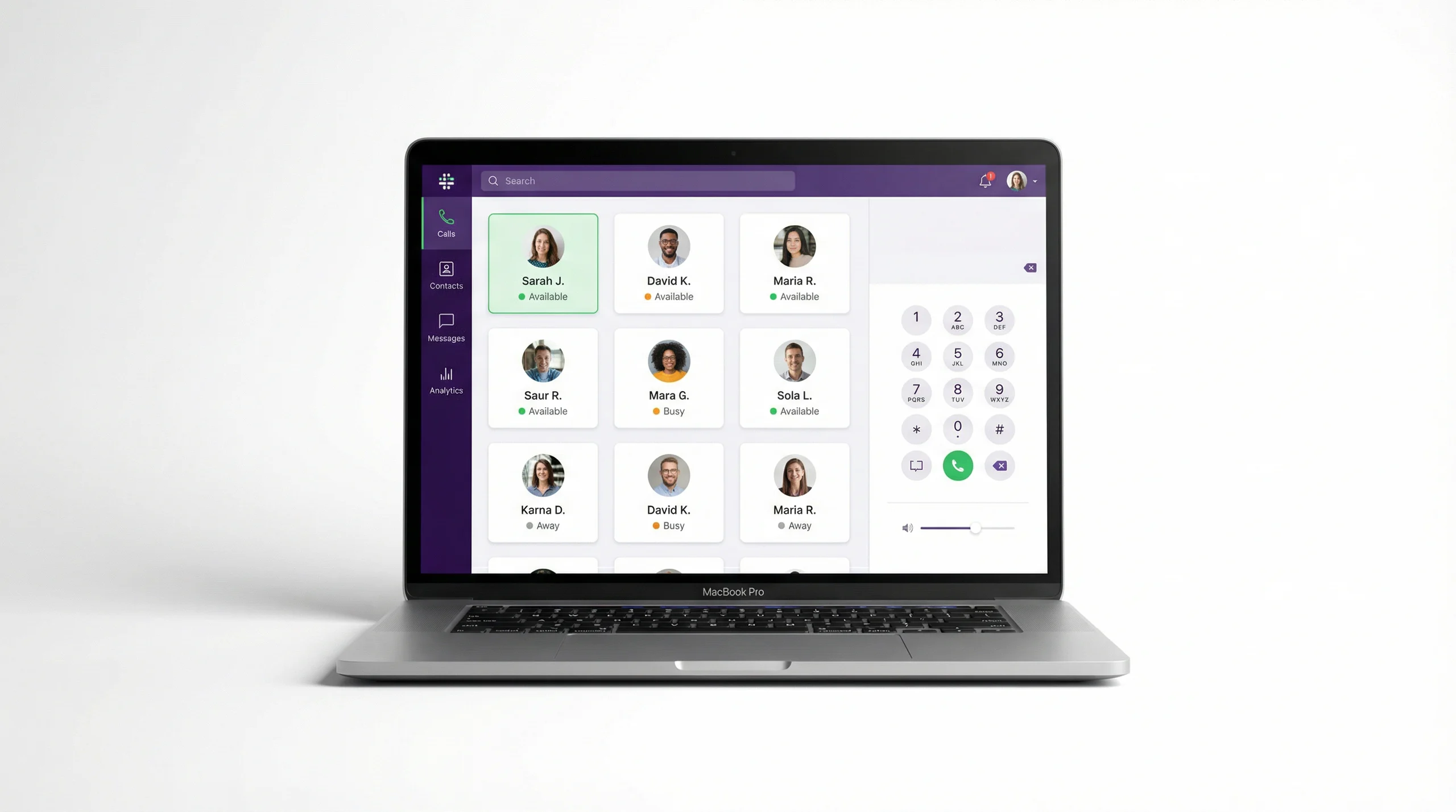
A plain-language explainer on cloud phone systems for anyone weighing up a move off traditional lines.
Talk to us or to a certified Voxbi partner.